Introduction
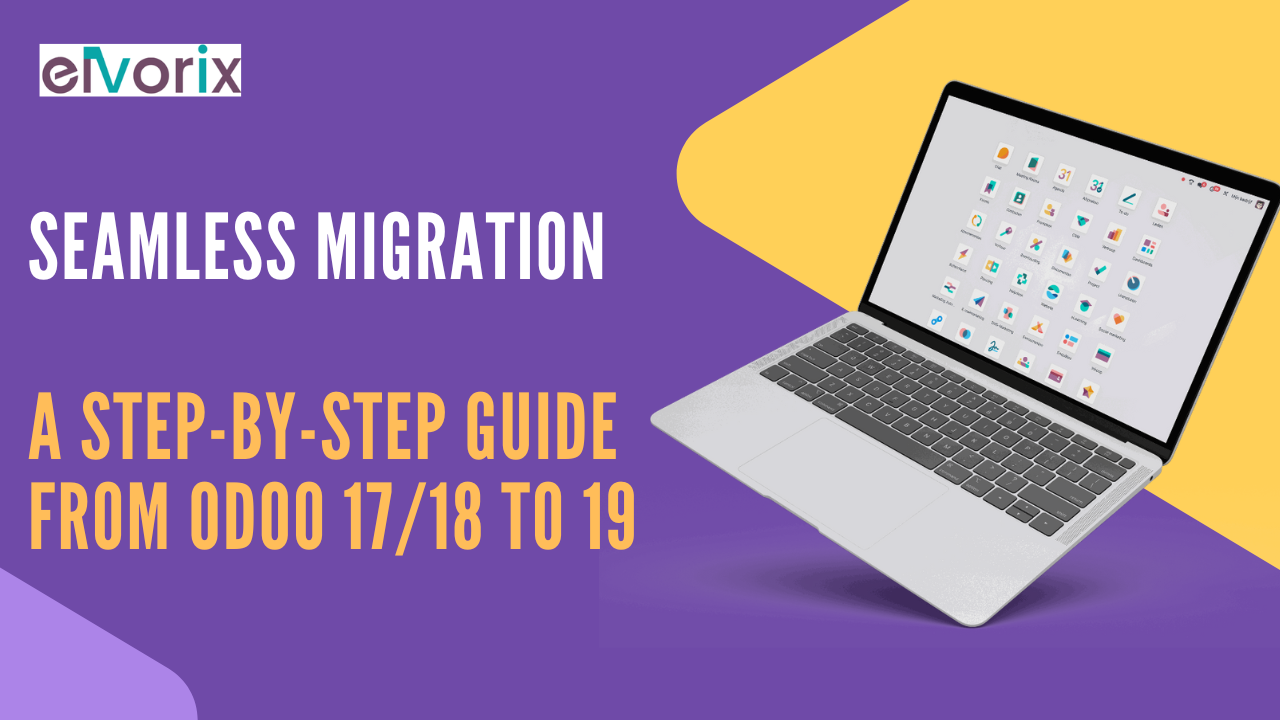
Planning an Odoo 19 migration is more than just upgrading software—it’s a business-critical transformation. With the release of Odoo 19 on the horizon, organizations running on Odoo 17 or 18 are preparing to make the shift to a smarter, faster, and more sustainable ERP environment.
In this guide, Elvorix outlines a complete, step-by-step approach for a seamless Odoo 19 migration, ensuring data integrity, operational continuity, and maximum ROI.
Why Migrate to Odoo 19?
Before you begin your Odoo 19 migration, it’s important to understand what’s driving the change.
Key Enhancements in Odoo 19
- AI Server Actions to automate repetitive tasks
- Enhanced mobile-first UI/UX for better accessibility
- ESG Compliance Module to track emissions and sustainability KPIs
- PWA-ready ecommerce and POS modules
- Real-time dashboards with faster rendering and customization
Migrating to Odoo 19 allows businesses to benefit from increased automation, improved usability, and built-in ESG tracking—all essential for modern operations.
Step-by-Step Odoo 19 Migration Plan
At Elvorix, we’ve handled dozens of version upgrades. Here’s our expert-recommended process for a clean and disruption-free Odoo 19 migration.
Step 1: Evaluate Your Current Environment
Begin your migration with a thorough assessment of your current Odoo 17 or 18 environment:
- Identify all installed apps and custom modules
- Document current workflows and third-party integrations
- Measure database size and server specs
This evaluation helps map the scope of your Odoo 19 migration more accurately.
Step 2: Analyze Compatibility with Odoo 19
Odoo 19 introduces structural and backend changes that affect existing modules.
- Check for deprecated methods and features
- Review JavaScript and UI component changes
- Validate compatibility of third-party modules
Doing this upfront avoids major bottlenecks during the Odoo 19 migration process.
Step 3: Build a Sandbox Environment
Create a safe staging area that replicates your current system to test the Odoo 19 upgrade before it affects production.
- Use a clone of your live database
- Apply Odoo 19 core code and modules
- Test configurations without business risk
This sandbox is your safe zone to validate every step of the migration.
Step 4: Backup Everything
Before touching production systems, back up your:
- Database using
pg_dump - Custom modules and themes
- File storage and environment variables
These backups are your safety net in case any part of the Odoo 19 migration needs to be rolled back.
Step 5: Migrate Custom Modules
Refactor your custom-developed modules to align with Odoo 19’s framework.
- Update manifest files and dependencies
- Modify Python code per new ORM
- Revise XML views, OWL components, and JavaScript logic
Post-refactoring, each module must pass unit and integration tests before continuing with the migration.
Step 6: Perform Data Migration
Data is at the heart of any ERP. Choose one of the following Odoo 19 migration strategies:
- OpenUpgrade tool (community)
- Odoo’s official upgrade service (for enterprise users)
- Custom migration scripts for large-scale or complex data needs
Every field, relationship, and model should be validated during post-migration testing.
Step 7: Conduct QA and Functional Testing
Thoroughly test your entire Odoo 19 environment to ensure a smooth experience:
- Run automated and manual tests
- Check workflows across sales, accounting, HR, and inventory
- Confirm dashboards, PDF reports, and emails render properly
This testing phase is where most bugs are caught and corrected.
Step 8: User Acceptance Testing (UAT)
Have department leads use the Odoo 19 sandbox and provide feedback.
- Validate process accuracy
- Highlight training needs for new features
- Finalize SOPs for go-live day
This helps stakeholders gain confidence in the new system and ensures readiness.
Step 9: Go Live with Odoo 19
Once testing is complete and the team is trained, execute the go-live plan.
- Freeze production data
- Migrate live database to Odoo 19
- Test all modules and services again
- Monitor performance closely in the first 48 hours
An expert-supported Odoo 19 migration ensures minimal downtime and zero data loss.
Step 10: Optimize and Support
Post-go-live is just as important. Continue refining performance and training.
- Monitor logs, user errors, and resource usage
- Patch any bugs that arise in real-world use
- Roll out AI and ESG tools introduced in Odoo 19
- Provide user training and documentation
Elvorix offers continuous support to make sure your upgraded ERP runs smoothly long after migration.
Avoid These Common Migration Mistakes
- Skipping full backups
- Ignoring module compatibility
- Migrating unneeded or outdated data
- Underestimating the importance of testing
- Not involving end-users in UAT
Avoiding these errors will protect your timeline and reduce migration risk.
Our E-E-A-T Commitment
Elvorix adheres to Google’s E-E-A-T principles:
- Experience: With 7+ years in Odoo ERP services, our team has completed over 100 successful migrations
- Expertise: Certified Odoo developers, business analysts, and QA specialists
- Authoritativeness: Recognized as a trusted Odoo Partner for industries like retail, manufacturing, healthcare, and hospitality
- Trustworthiness: All migration strategies are field-tested and based on real client outcomes
Conclusion
Your Odoo 19 migration is more than a technical step—it’s a strategic upgrade that can revolutionize how your business operates. With improved AI features, real-time dashboards, and ESG tracking, Odoo 19 is tailored for the future.
Following a methodical, expert-led approach ensures that your migration is smooth, secure, and scalable.
Ready to Migrate? Let’s Talk
Whether you’re using Odoo 17 or 18, Elvorix is here to ensure your Odoo 19 migration is fast, reliable, and risk-free.
Visit www.elvorix.com to schedule your free Odoo 19 migration assessment today.